

Your curated Google Maps to
All Canada - 3 Curated Google Maps Guides in One Pack
Save hours of research. Go where’s truly worth it.
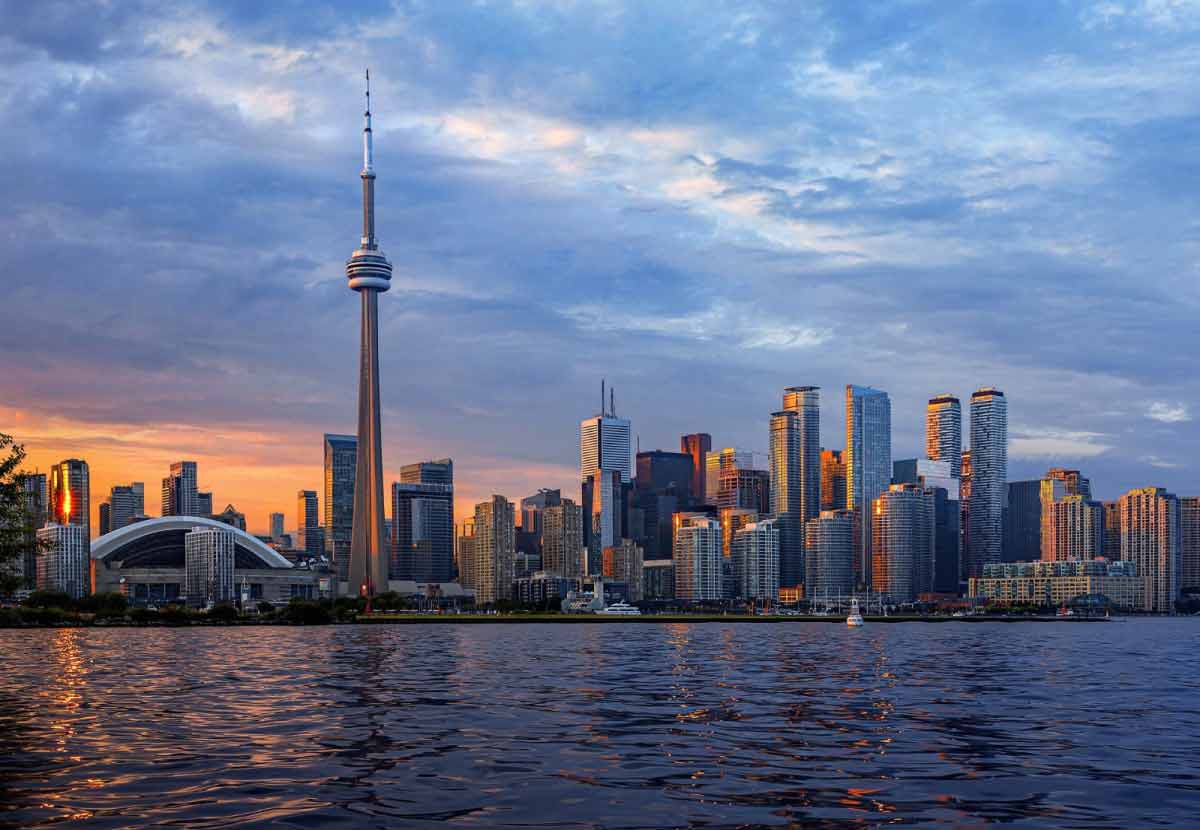
Trusted recommendations, right in your Google Maps












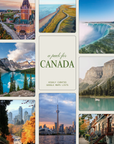
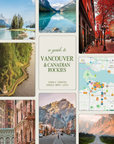
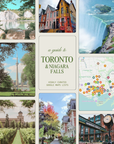
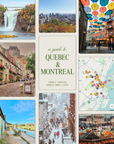
Unlock Canada’s most iconic sights and hidden treasures with our curated 3-region map bundle—covering Vancouver & the Canadian Rockies, Toronto & Niagara Falls, and Quebec & Montreal. Built from top travel guides and insider local tips, all accessible in one click.
🎭 What to Do & See
Explore dramatic mountain landscapes, stargazing spots, vibrant cities, charming old towns, scenic train routes, national parks, waterfalls, and unique cultural spots across Canada’s most stunning and diverse regions.
🍽️ Where to Eat & Drink
From French bistros in Montreal, farm-to-table spots in Vancouver, poutine joints in Quebec, to indie coffee shops and wine bars in Toronto—50+ handpicked local favorites.
🛏️ Where to Stay
A selection of boutique hotels, cozy lodges, and character-rich stays across city centers, lakeside escapes, and mountain retreats. From $180/night.
📍 Seamless Google Maps Access
No extra apps, no subscriptions—just a one-time payment for instant access to all the best spots, pinned and categorized by region.
✨ The kind of tips you'd get from a friend who’s been everywhere.
🚀 Get Your Curated Canada Bundle Now for the smartest and smoothest way to explore the Great North!
Forget endless written lists. Just open your Google Maps and go
A curated travel guide, right inside your Google Maps
No more endless searching. Only the places worth going — curated and ready in your Google Maps. No other apps needed, as simple as that.
Each spot comes with curated notes from trusted guides — plus the Google Maps reviews, photos, and directions you already love. We curate, to help you decide.
instant download · lifetime use · One-payment only

After your purchase, you’ll receive a confirmation email at the Gmail account you provided. Open Google Maps from that account and click on “Saved.”

In the “Maps” section, you’ll be able to view all the maps you’ve purchased.

Click to select the map you want to open. It will stay open and visible every time you use Google Maps—until you choose to close it.

Click on “View Map Legend” to see the different categories on the map, or click on your preferred spot.

Discover the best curated spots and view all the information directly within Google's interface: pictures, reviews, reservations, tickets..
Frequently asked questions
Sure, there’s free info everywhere... But you end up digging through blogs, PDFs, and Instagram posts. Then you piece together your own list—fine for reading, but not for moving around.
We built Boutique Maps to fix that. To help you know what’s really worth it nearby, right inside the app you already use. We’ve done the work for you: pulling the best spots from top travel guides and local experts, and organizing them directly in Google Maps.
So whether you’re exploring a neighborhood or planning a day out, you instantly see what matters—so you don’t waste time or regret a choice
Because they’re not always trustworthy. Many businesses buy visibility, pay for promotions, or push fake and incentivized reviews. What you often see is who pays the most—not who’s actually the best. That’s why we go deeper:
⭐ Ratings can be misleading – a “4.5 star” restaurant might just be good at marketing, not at food.
💸 Spots buy their position – businesses sponsor their listing to appear higher in results.
🗣️ Reviews are often manipulated – free drinks, discounts, or fake accounts are used to boost scores.
🎭 Tourist traps dominate – highly rated places can end up being crowded, generic, or overpriced.
Instead of relying on surface-level stars, Boutique Maps cuts through the noise by curating from:
📝 Local blogs & trusted travel guides with real insider knowledge.
🔎 Deeper research that highlights hidden gems you’d never find from ratings alone.
🎯 Selective shortlists that save you from scrolling hundreds of average options.
With us, you skip the promoted spots and go straight to the authentic, special places truly worth your time.
Yes—and that’s one of the biggest strengths of Boutique Maps: it will never get old.
- Because our guides live inside Google Maps, all the essentials (hours, photos, reviews, closures, menus, etc.) update automatically in real time.
- On top of that, we keep improving the guides ourselves. Every time we discover a great new spot, we add it.
- And we do quarterly reviews to make sure everything stays sharp and relevant.
So your map is always practical, accurate, and growing—for you to have the best experience :)
While Google Maps needs an internet connection to show the latest content, there’s a simple workaround to make sure your map stays useful offline:
- Download the region you’re traveling to in Google Maps before your trip.
- While online, save the spots from the guide you’re most interested in (add them to your own list or mark them as favorites).
This way, even if you lose signal, you’ll still see your saved places and can navigate to them. Once you’re back online, all the live info—like hours, reviews, and photos—will refresh automatically.
*Tip: For the best experience, we recommend getting an eSIM before your trip so you always have a reliable connection.